GPT Image 2.6 GIF Maker
Turn a prompt or one photo into a looping GIF with OpenAI's GPT Image 2.6.
Create a GIF
Free credits when you sign up — no card required.
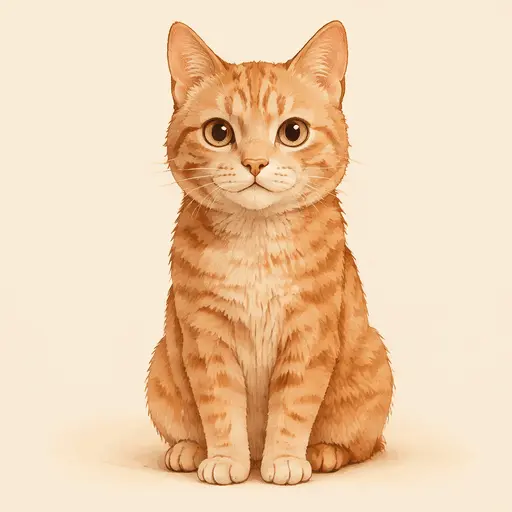
Making a good GIF used to take an afternoon
Editing a GIF by hand vs. GPT Image 2.6
| Install a timeline editor | Type a prompt or drop a photo |
| Export every frame | Frames are generated together |
| Fix the loop by trial and error | The GIF loops automatically |
| Re-encode to keep the size down | Download a ready-to-post GIF |
How to make a GPT Image 2.6 GIF
- 1. Describe it or upload a photo
- 2. Pick text or photo mode
- 3. Download your GIF
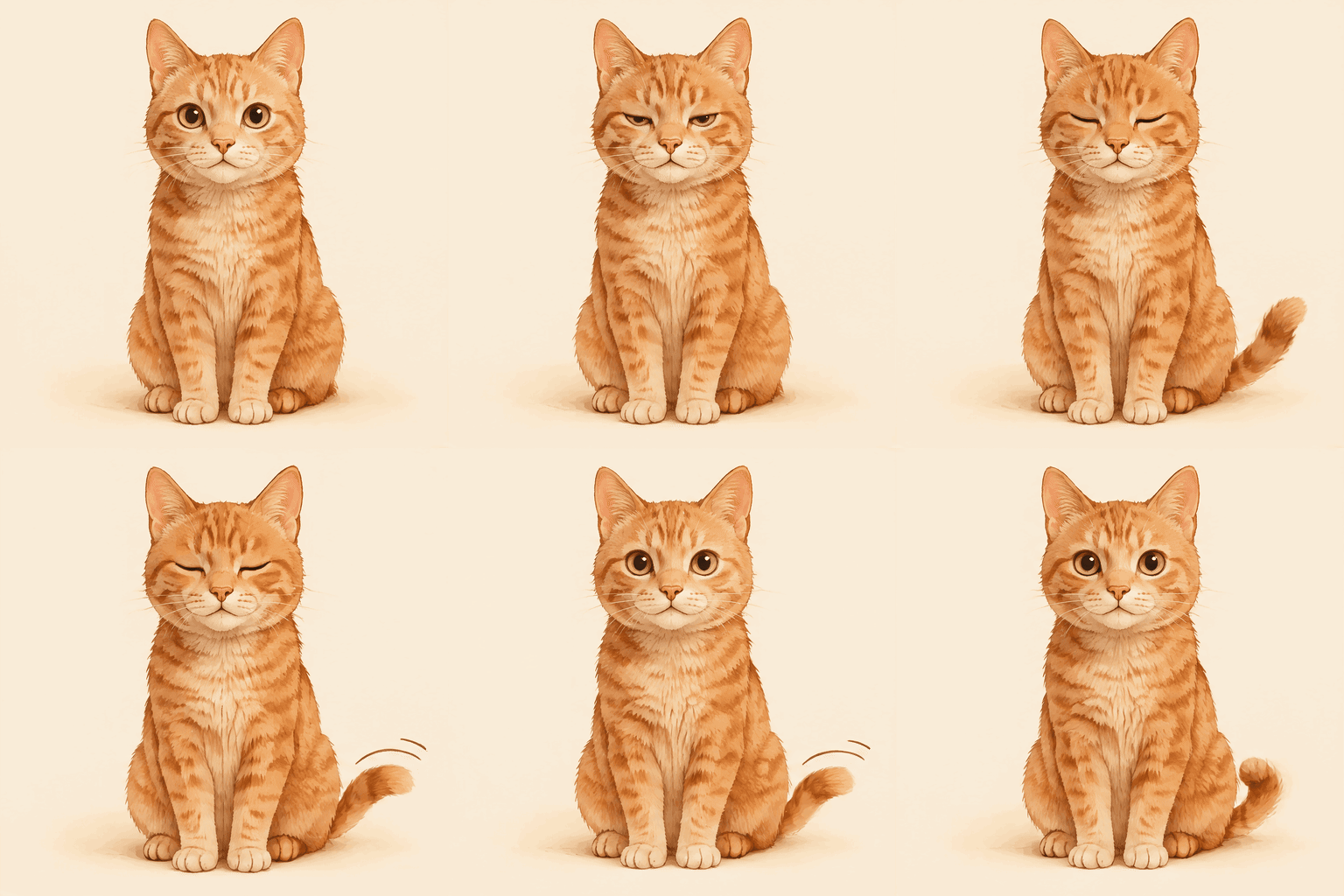
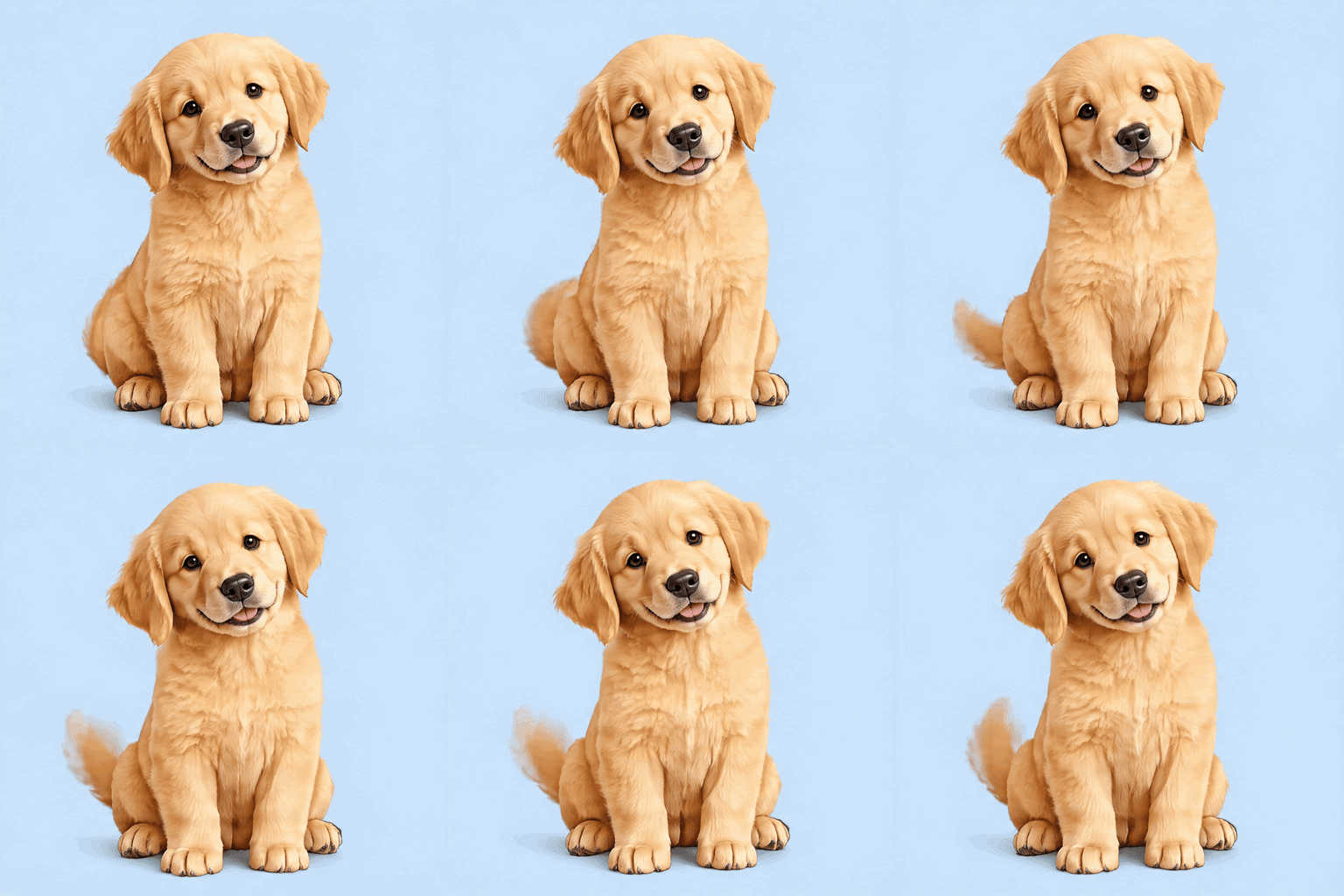
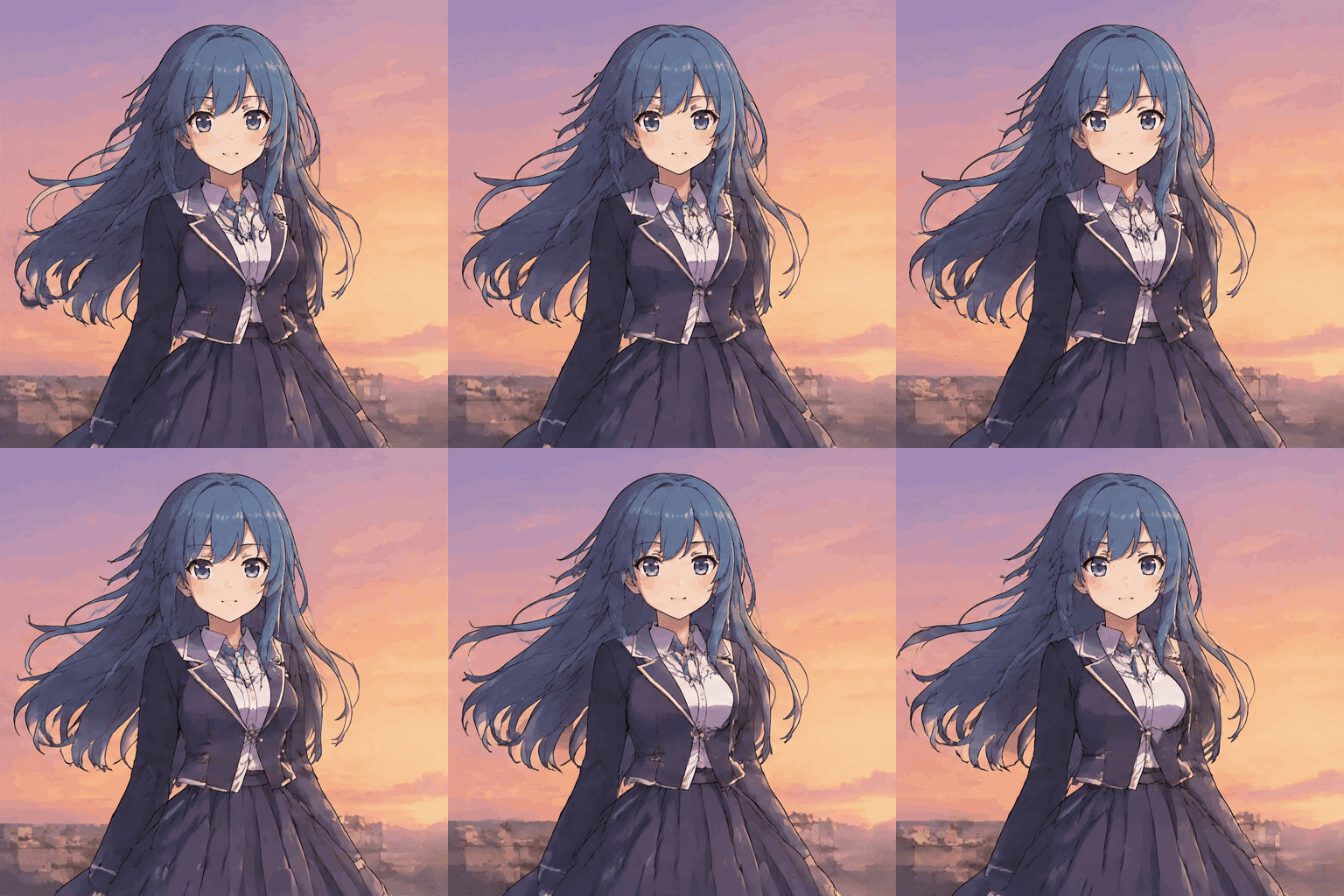
GIF examples


Features
What is GPT Image 2.6?
GPT Image 2.6 is an OpenAI image generation model. This tool requests an animated GIF directly from the model, using a prompt or one uploaded photo.
Explore GPT Image 2.6 GIF guides
Frequently asked questions
Do I need an OpenAI account?
No. We call the model on our side.
What format do I get?
An animated GIF, downloadable without a watermark.
How long is the GIF?
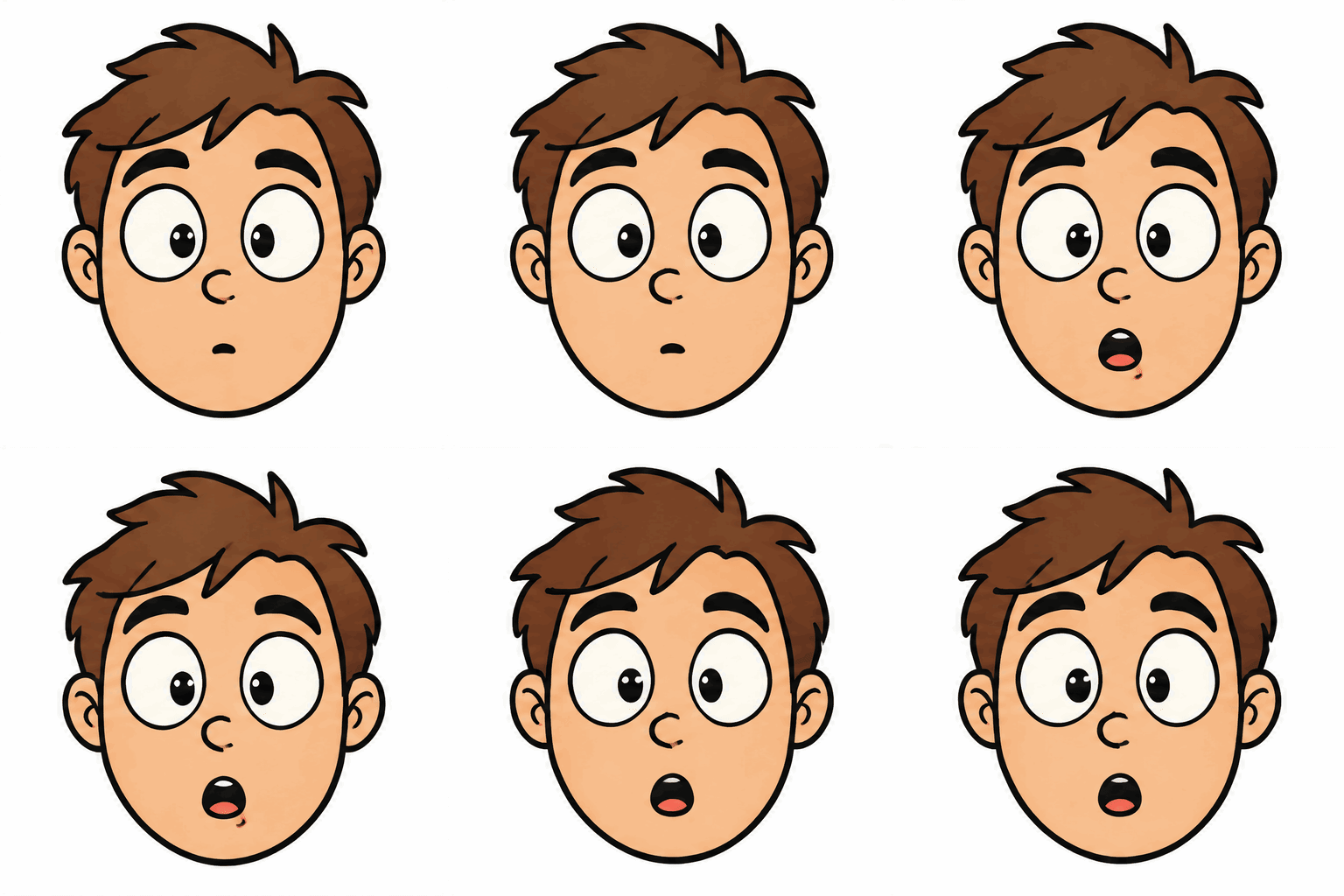
Six frames at 300 ms each, for a 1.8-second loop.
How do credits work?
One credit makes one GIF. Credits from one-time packs never expire. Monthly plans add 15 credits at the start of each billing month. The yearly plan adds 15 credits each month from the plan start date (180 per year). Unused plan credits reset when the next month's credits are added. Failed generations are refunded automatically.
Can I use my own photo?
Yes. Upload one JPG, PNG or WebP file up to 5 MB.
What happens to my photos?
Your photo is used to make your GIF and the temporary generation input is deleted after processing.
How is this different from making a GIF by hand?
All six frames are generated together without manually editing each frame.